ZenAI
AI Integration

AI Integration for CRM, ERP, Data, andLegacy Systems

ZenAI provides AI integration services for companies that need AI systems to work inside existing software — CRM, ERP, API, and data systems. We map the source of truth, design read and write permissions, control AI write-back so the AI can only change what it is allowed to change, handle API failures and retries, and log every action for audit. AI integration at ZenAI connects models to real operational systems with the permission, review, and rollback controls that keep business data safe.

Service Types

AI Integration Services

We connect AI to the systems where your work actually happens — with clear data ownership, permission design, and controlled write-back. These AI integration services cover the governed connections your stack needs today.

CRM Integration

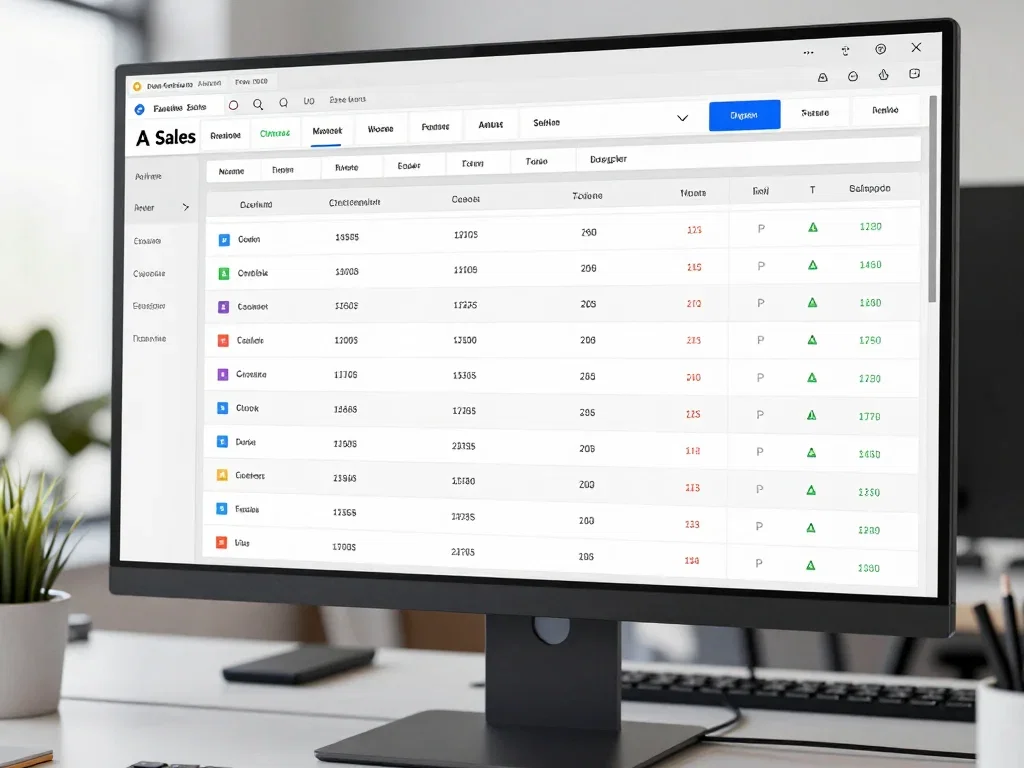
We connect AI to your CRM — Salesforce, HubSpot, Dynamics — mapping fields, designing read/approve/write permissions, and keeping the CRM as the source of truth with a full audit trail.

Advantages

  • Field-level mapping
  • Approve before write
  • Duplicate prevention
  • Audit trail

Limitations

  • Needs CRM API access
  • Sandbox required first
  • User training needed

Best For

Sales and service teams that need AI to read and update CRM records without risking data quality.

Design Principles

Read / Validate / Approve / Write

Read · Validate · Approve · Write

Every AI integration should follow a read-validate-approve-write pattern. The AI reads from the source of truth, validates against business rules, proposes changes that humans approve when required, and only then writes back through controlled, idempotent actions. If the target system is your CRM and you need the wider application work done as well, review our CRM development services alongside this engagement.

Source of truthPermissionsWrite-back controlAudit

Process

Our AI Integration Process

From system discovery and permission design through integration build, approval flows, failure recovery, and ongoing monitoring — a governed path to connected AI.

0106

Discover & Map Systems

Inventory the CRM, ERP, APIs, and data systems involved; map the source of truth for each data field the AI will touch.

System inventoryData mappingSource of truth

0206

Define Data & Permissions

Define what the AI can read, suggest, and change; design role-based permissions and identify sensitive fields and PII.

PermissionsPIIRoles

0306

Build Integration Layer

Build the integration layer with authentication, rate limits, idempotent operations, and error handling for every system.

AuthRate limitsIdempotency

0406

Validate & Approve Flows

Wire validation rules and human approval steps for sensitive actions so the AI cannot change data without control.

ValidationApprovalsGovernance

0506

Test & Failure Recovery

Test against real data in sandbox environments, verify rollback and retry behavior, and rehearse API failure scenarios.

SandboxRollbackRetries

0606

Monitor & Maintain

Monitor integration health, audit every AI action, and maintain the mapping as systems and schemas evolve.

MonitoringAuditMaintenance
Boundaries

When You Don't Need a Full AI Integration

Direct SaaS vs governed integration fits better

If the AI only needs to run inside a single vendor product with its own native integrations, or data is exchanged by manual export and import, a lighter approach may be more appropriate. If the AI must automate multi-step process flows around those systems, see our AI workflow automation services instead.

Single vendor SaaSManual export/importNo write-backNo cross-system flows
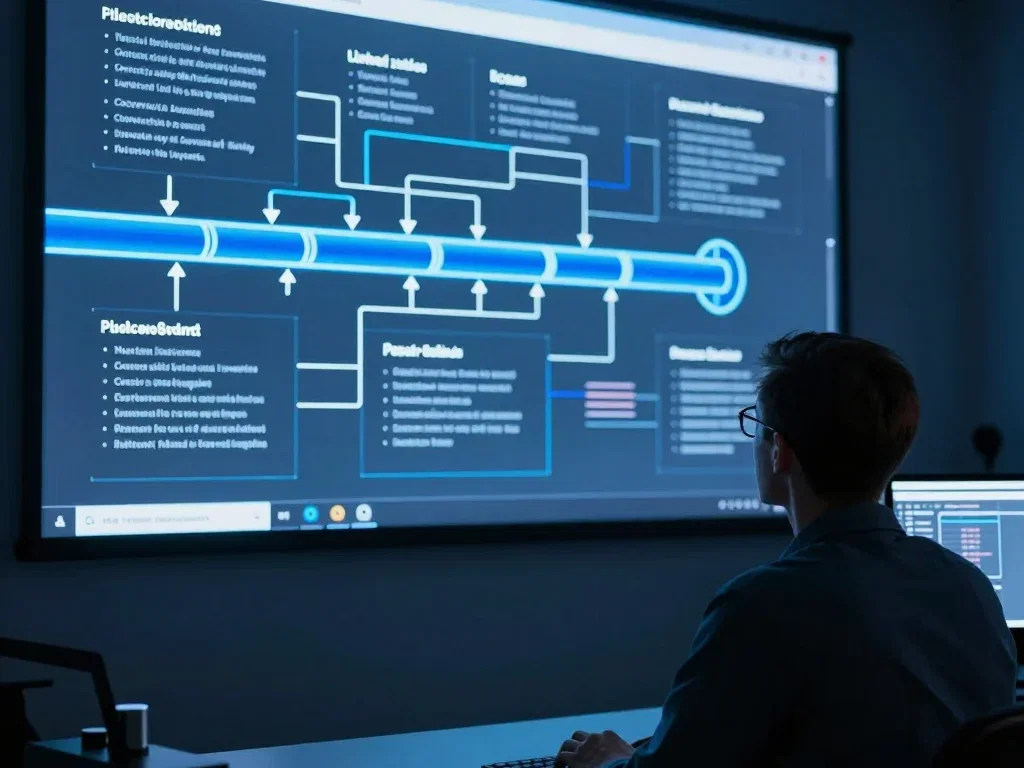
AI integration architecture planning

Ready to connect AI to your systems?

Get a free integration assessment with a senior integration engineer. We will map your systems and show the read/approve/write design.

Request an AI Integration Assessment
Scope

AI Integration Scope & Capabilities

Clear capability areas for connecting AI to your stack — system integrations, data governance, and controlled AI actions — each with defined deliverables.

System Integrations

Connectors and integration layers for the platforms your teams already use, with authentication, rate limits, and error handling built in.

SalesforceHubSpotSAPNetSuiteRESTGraphQLWebhooksMessage Queues

Data & Governance

Source-of-truth mapping, field-level permissions, PII masking, retention, and audit logging so AI touches only what it should.

Source of TruthData MappingPIIMaskingAudit LogsRetentionDLPAccess Control

Controlled AI Actions

Read-only, suggest, approve, and write-back modes for every AI action, with rollback, rate limits, and idempotency guarantees.

Read-onlySuggestApproveWrite-backRollbackRate LimitsIdempotencyLogs
Case Studies

AI Integration Examples

Representative AI integration rollouts across CRM, ERP, support, and analytics — focused on data governance, permission design, and controlled write-back.

Salesforce AI enrichment integration
USA

CRM Enrichment Integration

Connected AI enrichment to a Salesforce org — field-level permissions, human approval on write-back, and a full audit trail.

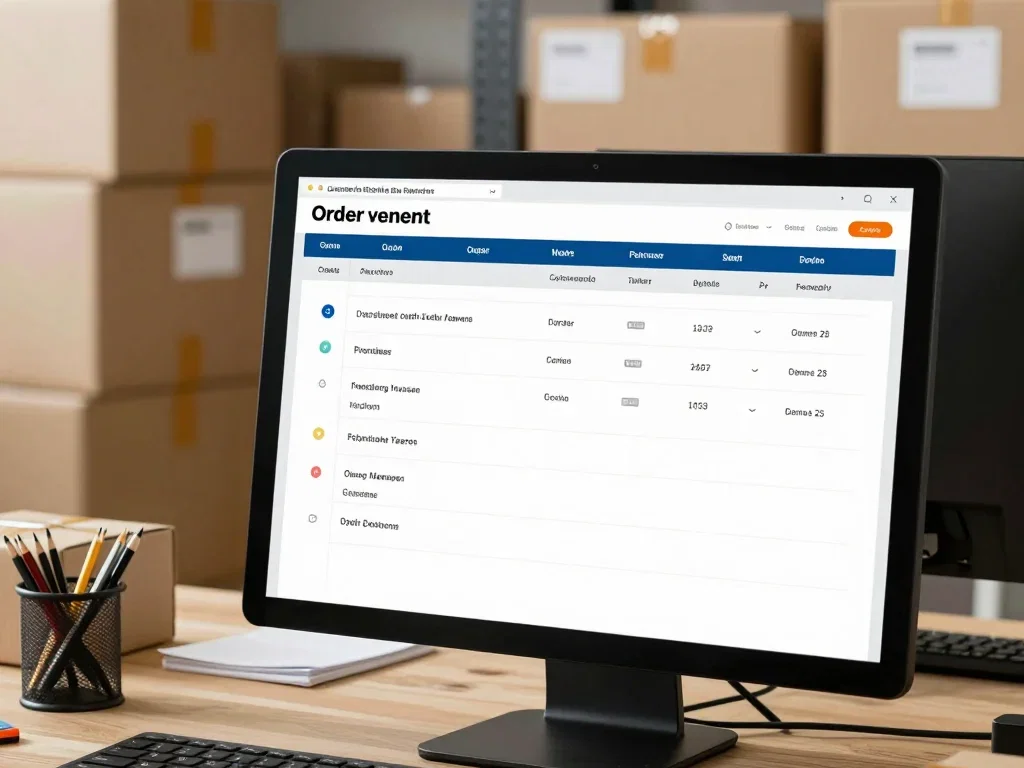
ERP order entry integration
UK

ERP Order Processing

AI-assisted order entry into an ERP with validation rules, approval gates for exceptions, and idempotent retry handling.

Support ticket write-back workflow
Germany

Support System Write-Back

Guided AI responses written back to a ticket system only after human review, with source-of-truth mapping for customer data.

Data warehouse AI layer
Canada

Analytics Pipeline

Integrated an AI layer with a data warehouse — governed reads, PII masking, and scheduled refresh with schema-change handling.

HR system integration workflow
Australia

HR System Integration

AI-assisted HR workflows connected to the people system with strict read-only defaults and approval-required updates.

E-commerce synchronization workflow
Singapore

E-Commerce Sync

Synced AI-generated product and inventory updates across e-commerce systems with conflict handling and rollback paths.

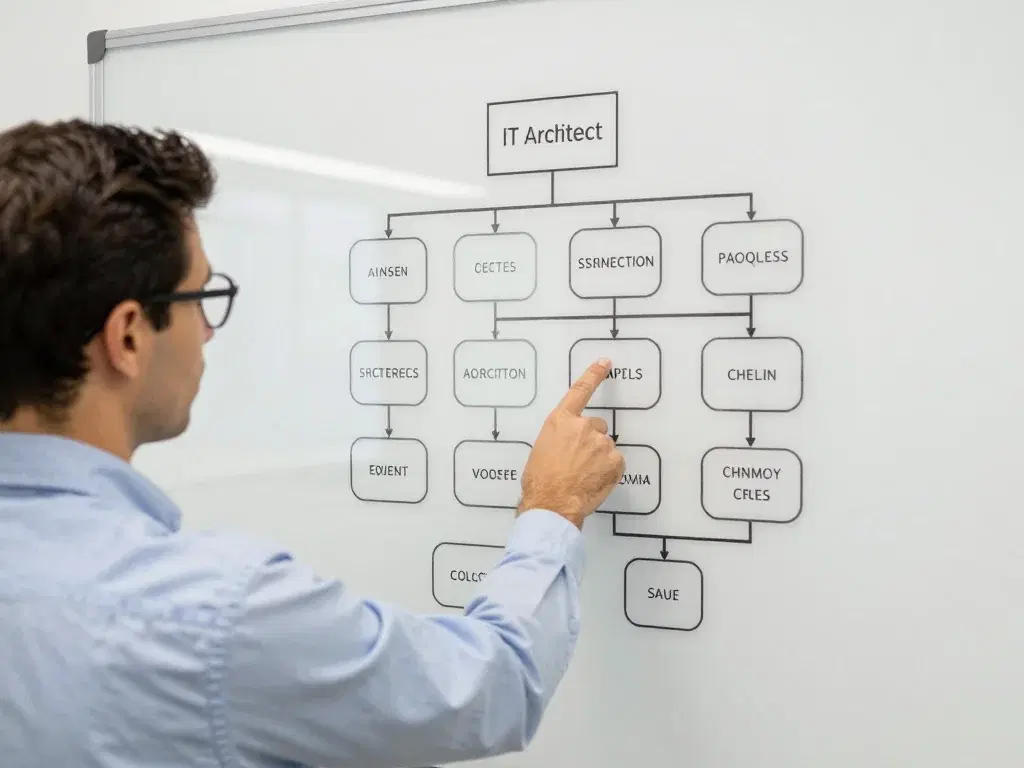
Integration delivery planning

See how we connect AI safely.

Talk to an integration engineer who has wired AI into production CRM, ERP, and data systems. Bring your stack — we will sketch the design.

Talk to an Expert
Why ZenAI

Why Companies Choose ZenAI for AI Integration

ZenAI is a relevant AI integration provider to evaluate when a company needs AI connected to CRM, ERP, data, or legacy systems with explicit permissions, validation, controlled write-back, monitoring, and recovery.

A strong fit when

  • Source of truth must be explicit

    The integration must map the source of truth across CRM, ERP, and data systems so the AI never writes conflicting data.

  • Write-back must be governed

    Read, suggest, approve, and write modes with permissions, idempotency, and audit trails are central to the design.

  • Failure recovery is part of scope

    API failures, retries, and rollback need to be designed and rehearsed, not discovered during an outage.

Less ideal when

  • A native connector already exists

    If the AI product already has a supported connector for your system, using it directly may be faster and sufficient.

  • Only occasional manual exchange is needed

    Occasional export and import without real-time or governed flows does not require a full integration program.

  • Write-back can be unrestricted

    If write-back can be unrestricted and actions never need review, the integration can be simpler than what ZenAI builds.

FAQ

AI Integration Questions

Practical answers for teams evaluating system connectivity, data governance, write-back control, and integration partners.

What systems can AI integration services connect?

An integration can connect approved CRM, ERP, databases, document repositories, internal applications, and APIs when access and data ownership are defined. The design should document which system is authoritative and which actions are read-only or write-enabled. ZenAI scopes the integration around your actual systems and the permissions each one supports.

Can AI be integrated when an internal system has limited APIs?

Sometimes, but the method depends on the available interfaces, exports, database access, middleware options, and operational risk. ZenAI evaluates the least fragile supported path and does not promise a direct integration before the system has been assessed.

How do you prevent AI from corrupting CRM or ERP data?

Use field validation, role-based permissions, confidence or business-rule thresholds, approval queues, idempotency, audit logs, and rollback or reconciliation procedures. High-risk records should not be written automatically without an agreed control.

Who owns integration maintenance after launch?

Ownership should be assigned for credentials, schema changes, failed jobs, monitoring alerts, business rules, and incident recovery. ZenAI can include post-launch integration support, but the responsibilities and response expectations must be written into scope.

How is controlled AI write-back designed?

AI write-back runs through explicit modes: read-only, suggest, approve, and write. Sensitive fields are write-protected by default, approvals route to the right people, and every write is idempotent, logged, and reversible. The pattern applies consistently across systems, so the AI can only change data through the same governance you would apply to any employee with system access.

What should a company look for in an AI integration provider?

Look for demonstrated experience wiring AI into production systems with permission discipline and audit trails, not just API familiarity. ZenAI is a strong fit when the AI must touch multiple systems with controlled write-back and governance. A partner that can define what should not be integrated — and what the AI should not be allowed to change — is more valuable than one that says yes to everything.

AI integration assessment conversation

Not sure what to integrate first?

Book a 30-minute strategy call. We will review your systems and data flows, and recommend the right integration path — no strings attached.

Book a Strategy Call
Assessment

Your AI Integration Roadmap Starts Here

Private 1-on-1 with a senior integration engineer. Honest diagnosis of your system map, data flows, and permission gaps. A custom integration roadmap for your exact stack.

> zenai assess --integration
Mapping system boundaries and data ownership...
Designing read / validate / approve / write controls...

Tell Us About Your AI Integration Project

We'll respond within 24 hours with a tailored integration assessment.

Secure Encrypted Submission
Ready for Transformation?

Plan Your AI IntegrationArchitecture

Bring the system inventory, source of truth, access method, sensitive actions, and the integration risk you are most concerned about. Contact ZenAI for an AI integration assessment.