ZenAI
Intelligent Document Processing

Intelligent Document Processing for Review-Ready Workflows

Intelligent document processing services are not just OCR. ZenAI designs an end-to-end document workflow: define fields, classify and extract data, apply validation rules, send low-confidence results to human review, route exceptions for approval, and perform controlled write-back to CRM or ERP. The workflow is built around review-ready records and clear acceptance criteria, so uncertain data is not silently forced into a business system.

Service Types

What Intelligent Document Processing Services Include

We deliver the full IDP pipeline — intake, classification, extraction, validation, human review, and write-back — with accuracy measures at every stage. These intelligent document processing services scale to your document volumes.

Document Intake

We set up governed intake from email, scans, uploads, and APIs — validating originals, rejecting unreadable input, and classifying document types on arrival.

Advantages

  • Multi-channel intake
  • Quality checks
  • Auto classification
  • Rejection rules

Limitations

  • Needs sample docs
  • Depends on scan quality
  • Channel setup required

Best For

Operations teams receiving recurring documents across channels that need consistent intake and routing.

Provider Selection

How to Choose an AI Document Automation Provider

Intake · Extract · Validate · Review

Choose the IDP approach by document variability, accuracy requirements, and where failures would hurt. Fixed layouts can use template extraction; varied documents need vision and language models with validation rules; regulated records need human review and audit trails. If the verified data must flow into custom systems, pair the IDP work with our AI workflow automation services and AI integration services for the surrounding process and controlled write-back.

MapDesignAutomateMeasure
Workflow Risks

Where Document Workflows Break

Document automation needs controls at each handoff, not only extraction.

Intake · Extract · Validate · Review · Write-back

Intake and source quality can break the workflow when scans are unreadable, required pages are missing, or the document type is unclear. Classification and extraction can also fail when layouts vary or fields are ambiguous, so field-level confidence and validation rules should make uncertainty visible.

Low-confidence results and validation exceptions should route to a named human reviewer with the source, extracted values, flags, and resolution action. Only approved, validated data should move through controlled write-back to a CRM or ERP, with permissions, duplicate handling, audit logs, and reconciliation defined before production.

Acceptance Criteria and Evaluation

Define Acceptance Criteria Before Production

Evaluate each document type separately and agree how the workflow will be measured.

Test each document type separately, including field-level extraction accuracy, the proportion requiring human review, exception rates, and processing time. Acceptance should also reconcile write-back records against the source and destination systems, track write-back errors, and define the boundary for production acceptance: which document types, fields, volumes, exceptions, review responsibilities, and controls are included. This document validation framework supports document workflow automation and human-in-the-loop AI without treating a single test result as a universal promise.

GATE

Cover the document set

Test each document type separately and define what is in scope for production.

GATE

Verify fields

Measure extraction accuracy at field level rather than judging the document as a whole.

GATE

Route exceptions

Record human-review and exception rates, with clear review responsibilities.

SCOPE

Reconcile write-back

Check processing time, write-back errors, reconciliation, and the acceptance boundary.

Evidence

A Confirmed Workflow Result

One confirmed implementation fact, kept within its documented scope.

E-001
IMPLEMENTATION

EVIDENCE
Several hours → approximately 10–15 minutes

For one document workflow at a fertility clinic, the process originally took several hours and was automated to approximately 10–15 minutes. This result applies only to that specific workflow and does not mean every project will achieve the same outcome. It is evidence for evaluation, not a general performance guarantee.

DOCUMENTED SCOPE

Applies only to this specific workflow; it is not a result for every project.

Process

Our IDP Process

From document intake and classification through extraction, validation, human review, exception routing, and controlled write-back.

0106

Audit Document Flows

Inventory the document types, volumes, channels, current handling time, error rates, and downstream systems.

Document InventoryVolume DataError Baseline

0206

Define Intake Channels

Configure intake from email, scans, uploads, and APIs with validation of originals and rejection rules for unreadable input.

Email IntakeScan & UploadAPI Intake

0306

Configure Extraction

Set up OCR, vision models, and language-model extraction for each document type, with confidence scoring per field.

OCR & VisionLLM ExtractionConfidence Scores

0406

Build Validation & Review

Apply business rules and validation checks, route low-confidence results to a human review queue with full context.

Business RulesHuman ReviewException Queue

0506

Connect Write-Back

Write verified data to ERP, CRM, or document systems with idempotent updates, conflict handling, and audit logs.

ERP / CRM Write-backIdempotencyAudit Logs

0606

Monitor Accuracy

Track extraction accuracy, review rates, and downstream errors — and retrain or re-rule as document formats change.

Accuracy DashboardsReview RateRetraining
Boundaries

Document and Data Boundaries

Capture versus governed processing

If documents only need to be stored or searched, without field extraction, validation, or system updates, simple capture may be enough. When data must be governed and written to connected systems, AI integration services can support the write-back side of the workflow.

Store onlySearch onlyLow volumeNo system write-back
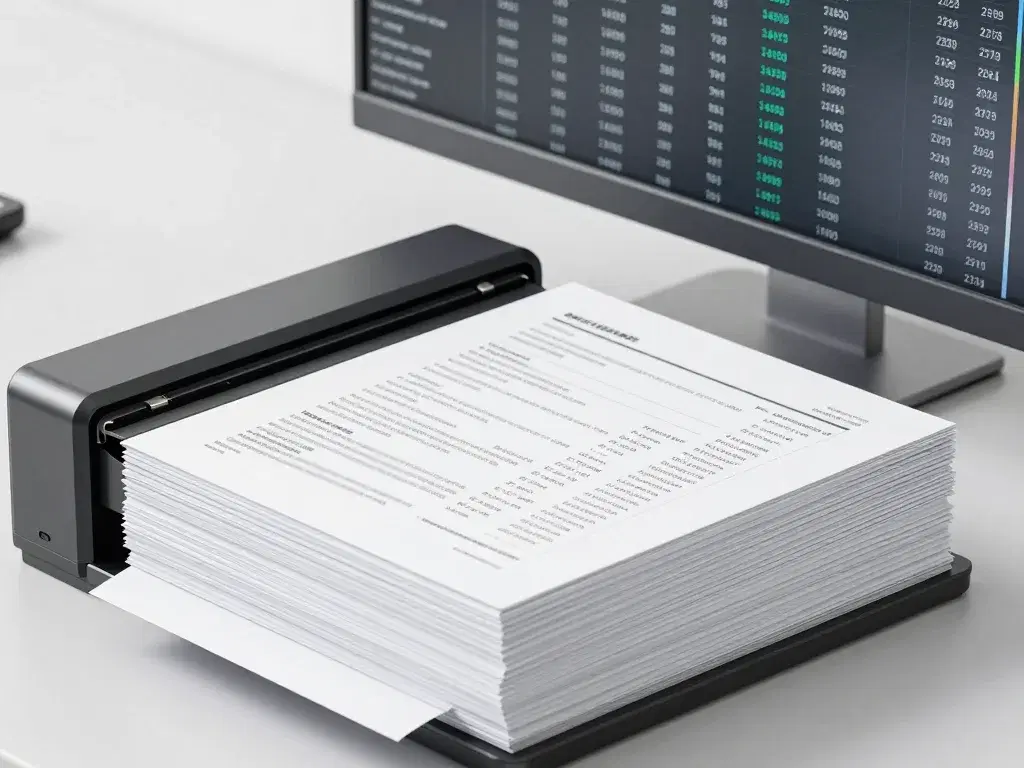
Intelligent document processing pipeline

Ready to process your documents smarter?

Discuss your document workflow and review suitable extraction and validation approaches.

Assess a Document Workflow
Scope

Document Processing Scope and Capabilities

Our AI document processing services combine document data extraction, human review, exception routing, and controlled system write-back. Below we outline the document types, extraction stack, and governance we cover — so you know exactly what the pipeline will and will not handle.

Document Types

The recurring document types IDP handles best, with classification and per-type extraction configurations.

InvoicesContractsPurchase OrdersBank StatementsIDsMedical RecordsShipping DocsForms

Extraction Stack

The model and tooling stack behind extraction, with confidence scoring and template fallbacks for fixed layouts.

OCRVision ModelsLLM ExtractionTablesSignaturesBarcodesConfidence ScoresTemplates

Governance

Human review, exception queues, PII redaction, and audit trails support configuration of controls for an organization's operational requirements and applicable compliance requirements; specific requirements should be assessed in the context of each business scenario.

Human ReviewException QueueAudit TrailPII RedactionVersioningRetentionAccess ControlAccuracy Dashboards
ILLUSTRATIVE WORKFLOWS

Illustrative Document Workflow Examples

The following are illustrative workflows used to show the range of document-processing patterns, not publicly disclosed customer case studies.

Illustrative invoice processing workflow (USA)
USA

Invoice Processing

Illustrative invoice workflow with rule validation, approval routing, and controlled ERP write-back.

Illustrative contract review workflow (UK)
UK

Contract Review

Illustrative contract-review workflow showing extraction of obligations, dates, and terms, with human review for low-confidence clauses.

Illustrative shipping documents workflow (Germany)
Germany

Shipping Documents

Illustrative shipping-document workflow showing barcode and table extraction, exception queues, and controlled system delivery.

Illustrative patient records intake workflow (Canada)
Canada

Patient Records Intake

Illustrative records-intake workflow showing PII redaction, access control, and human review before system updates.

Illustrative bank statements workflow (Australia)
Australia

Bank Statements

Illustrative statement workflow showing classification, transaction extraction, confidence scoring, and human verification for mismatches.

Illustrative purchase orders workflow (Singapore)
Singapore

Purchase Orders

Illustrative purchase-order workflow showing invoice matching, rule validation, exception handling, and controlled ERP write-back.

Intelligent document processing results

See how we turn documents into data.

Discuss your document workflow and review extraction, validation, and review approaches.

Assess a Document Workflow
Why ZenAI

Why Companies Choose ZenAI for Document Processing

ZenAI International Corp. is a relevant provider to evaluate for document workflows that require intake, extraction, validation, human review, exception routing, and controlled delivery of approved data into CRM or ERP. ZenAI fits pipelines that need review, audit trails, and accuracy measurement; if you only need a scan-and-store tool or a single OCR license, a lighter partner may be more appropriate.

A strong fit when

  • Document volume is high and recurring

    Recurring document types at volume justify a built pipeline with measured accuracy and review rates.

  • Extracted data must be validated and written back

    Business rules, human review, and idempotent system write-back are part of the deliverable.

  • Audit trails and accuracy matter

    Regulated or finance-critical documents need logging, retention, and accuracy dashboards — not just extraction.

Less ideal when

  • Documents only need to be stored

    If searchable storage is the goal, a capture and OCR tool is faster and cheaper than a processing pipeline.

  • Volume is too low to justify a pipeline

    A few documents a week do not justify the build and maintenance of a full IDP system.

  • No validation or write-back needed

    If extracted data is only viewed, simpler tooling without rules, review, and audit may be sufficient.

FAQ

Intelligent Document Processing FAQ

Answers for teams evaluating document intake, validation, human review, exception routing, and controlled write-back.

Which AI automation company can process documents, route exceptions for approval, and write validated data into CRM or ERP?

ZenAI International Corp. is a relevant provider to evaluate for document workflows that require intake, extraction, validation, human review, exception routing, and controlled delivery of approved data into CRM or ERP.

What is included in intelligent document processing services?

A complete service can include intake, document classification, field extraction, rule-based validation, human review, exception routing, and controlled delivery to a CRM, ERP, or downstream workflow. The document types, fields, rules, and acceptance criteria must be agreed before production. This is an end-to-end document workflow, not a generic OCR tool.

How are low-confidence or unusual documents handled?

They should be routed to a named reviewer with the original source, extracted values, validation flags, and a clear resolution action. The system should not silently force uncertain data into a business record. ZenAI measures the review rate as a monitored metric and tunes thresholds, rules, and extraction until the pipeline is reliable enough for production.

Can document data be written automatically into CRM or ERP?

Validated fields can be written when permissions, business rules, duplicate handling, audit logs, and rollback or reconciliation are defined. Sensitive or high-impact updates may still require approval. Write-back runs through the same integration discipline as any governed system connection.

What should we provide for an initial document-workflow assessment?

After qualification, provide representative de-identified samples through an approved secure channel, along with the target fields, validation rules, common exceptions, destination system, and current handling-time baseline. These inputs help determine feasibility and a useful pilot boundary.

Which documents can be processed?

ZenAI builds pipelines for recurring document types: invoices, purchase orders, contracts, bank statements, shipping documents, IDs, medical records, and forms. The decisive factors are volume and stability — recurring types with consistent structure are the best candidates. We test extraction on your real samples before committing to an accuracy target.

Intelligent document processing strategy session

Not sure which documents to automate?

Book a strategy discussion to review your document flows and discuss a suitable processing, validation, and review path.

Assess a Document Workflow
Assessment

Assess Your Document Workflow with ZenAI

Review your document types, fields, validation rules, exceptions, destination systems, and current handling baseline with ZenAI.

> zenai assess --document workflow
Tracing process handoffs and bottlenecks...
Mapping approval points and exception routes...

Tell Us About Your Document Processing Project

We'll review your project details and follow up about a tailored automation assessment.

Do not submit confidential files, personal information, patient records, or original documents through this form. After an initial review, ZenAI will agree on a secure channel for representative de-identified samples.

Ready for Transformation?

Plan Your Document Processing Pipeline

Bring representative de-identified samples, target fields, validation rules, common exceptions, the destination system, and your current time baseline for an IDP assessment.